Blum Configurators
Start Configuring Your Blum Products Today! Click to launch your preferred Blum Product Configurator and start selecting your products. Once configured, send your selections to our store and complete your order in just a few clicks!

The Blum Product Configurator is an advanced online tool designed to help you select
Blum hardware quickly and accurately. It allows you to:

Browse Blum’s extensive range of fittings and accessories.

Customize product selections based on your project needs.

Generate technical details, CAD data, and assembly instructions.

Send your selected products directly to your distributor’s shopping cart.
How to Use the Blum Product Configurator
Follow these simple steps to configure and order your Blum products from our website:
Step 1 - Access the configurator
Click on your preferred Blum Product Configurator link on our website to start selecting your products.
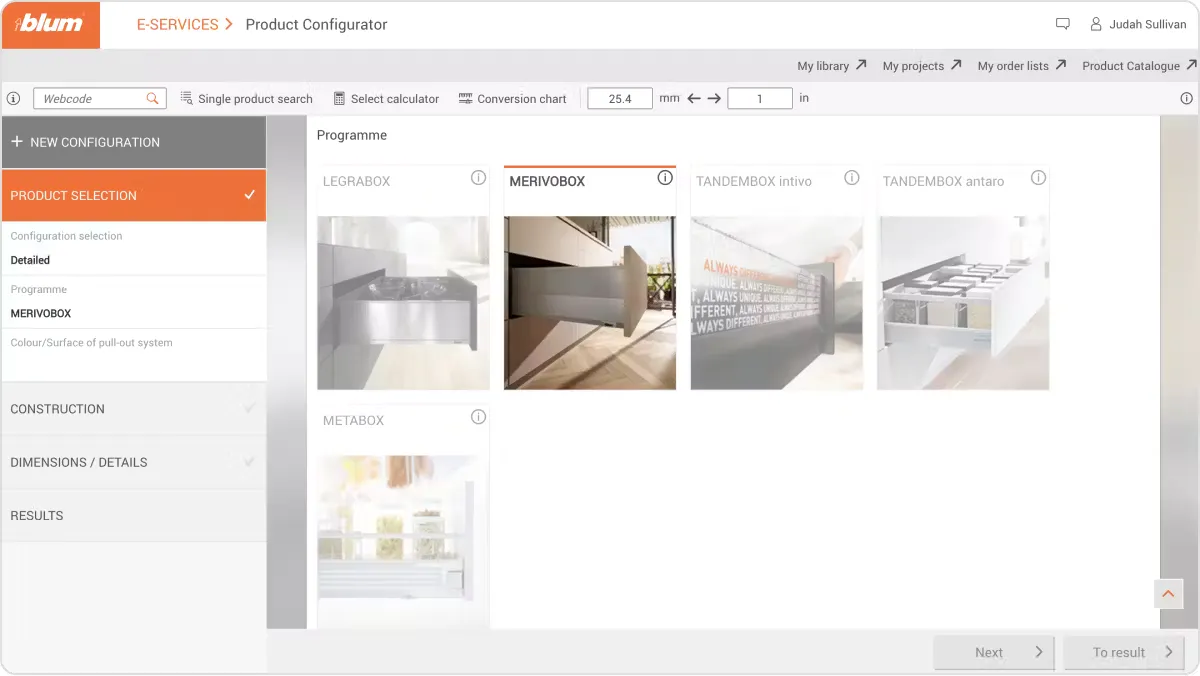
Step 2 - Choose Your Blum Products
Select the type of hardware orfittings you need.
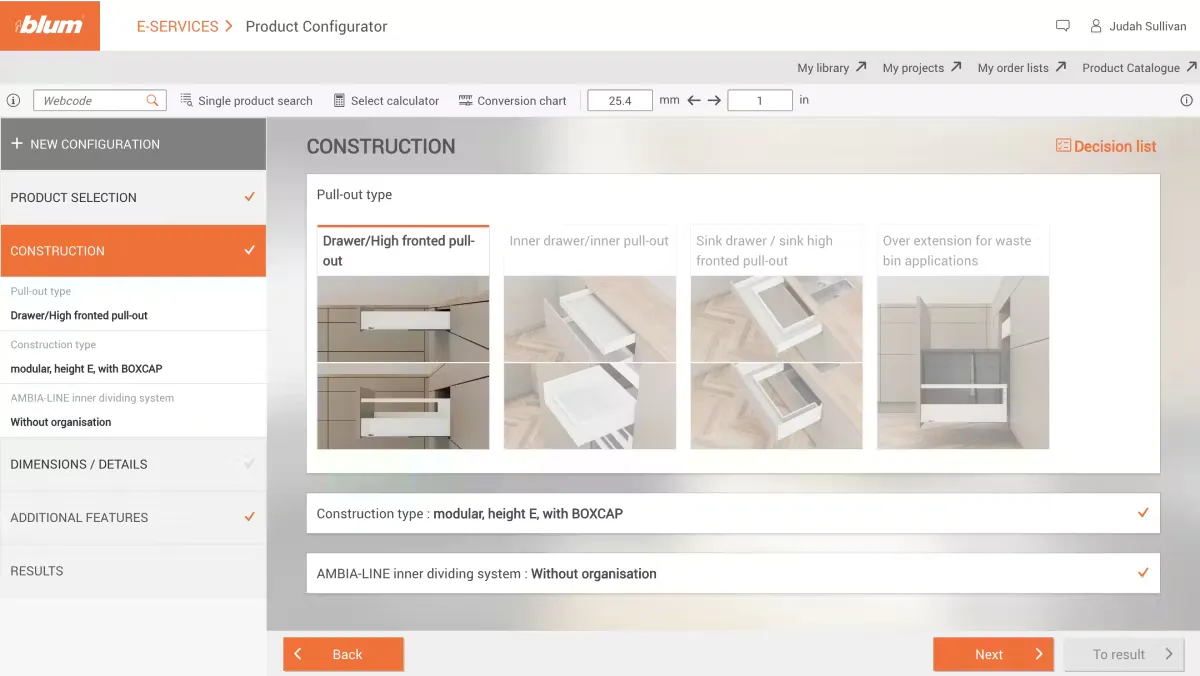
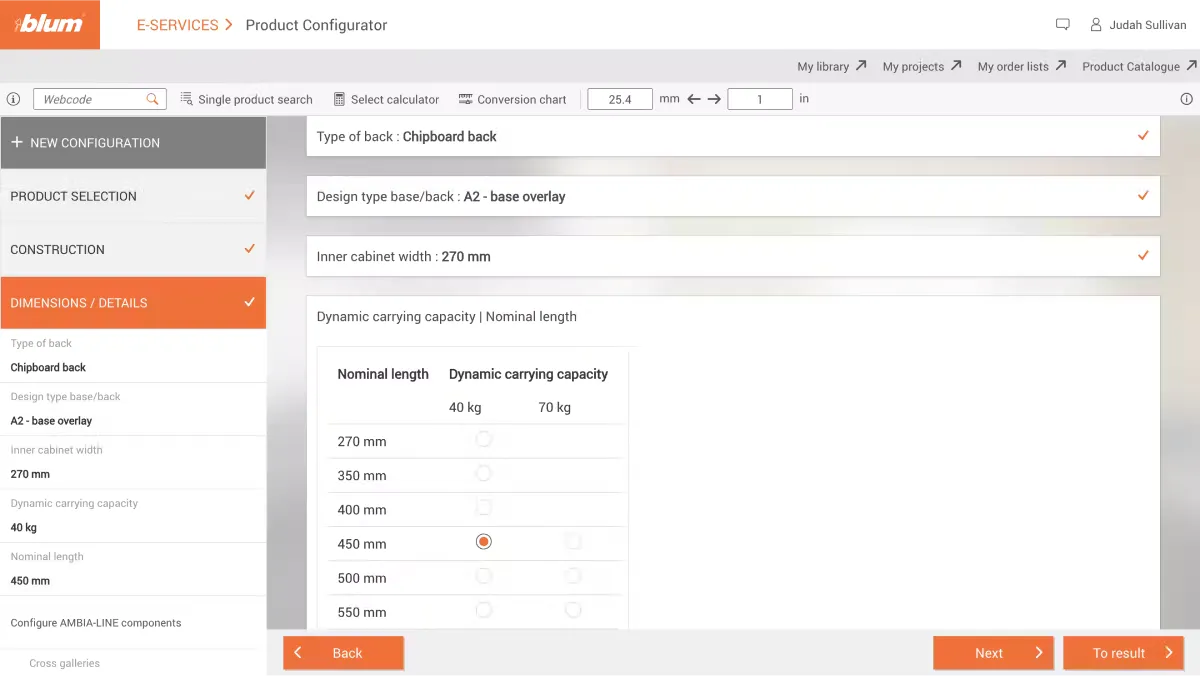
Step 3 - Customize dimensions, finishes, and other specifications.
Review technical drawings and assembly instructions for accuracy.
Step 4 - Generate Your Product List
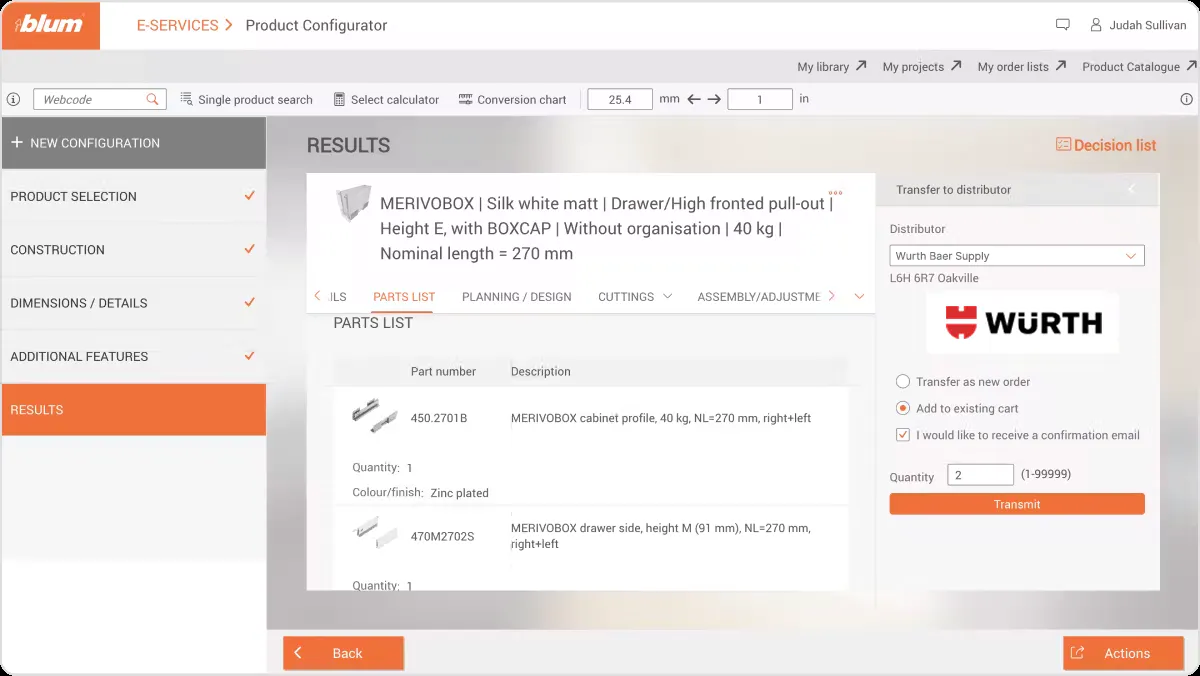
Once satisfied with your selections, generate the list of configured items.
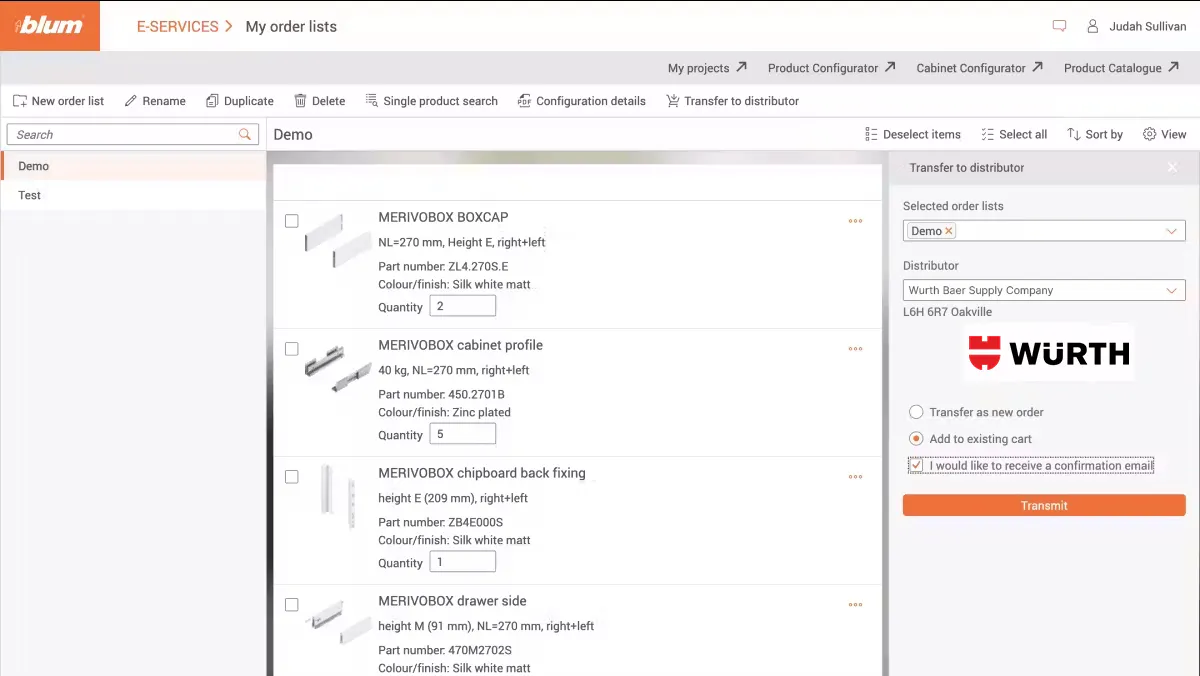
Step 5 - Send Your Selection to Our Website
Send the selected product list to your distributor WurthLAC, and they will be automatically added to your shopping list.
Videos
How can I configure Blum products online?
Use the Product Configurator to plan Blum furniture fittings online, quickly and simply.
How to Use the Product Configurator
Quick configuration gives you a parts list and detailed configuration gives more detailed information about planning your project.
Planning a wardrobe with TANDEM
The video shows a practical wardrobe solution that you can plan quickly and easily in the Cabinet Configurator.